

Enrollment without the queues
Families book their enrollment appointment online, upload the paperwork you need in advance, and walk in already expected. Parent Events has handled enrollments for hundreds of schools since 2013, which means your team spends appointment time welcoming families rather than chasing documents.
Open your enrollment slots
Set your processing hours, appointment length, and how many families per slot. Run separate events for in-zone and out-of-zone enrollments, or a simple registration-only form for expressions of interest.
Families submit paperwork up front
Proof of address, immunisation records, prior reports, and custom questions are all captured before the appointment. You review ahead of time, not at the desk.
Spend the time on the family
With the documents already reviewed, the appointment is spent getting to know the family rather than chasing paperwork.
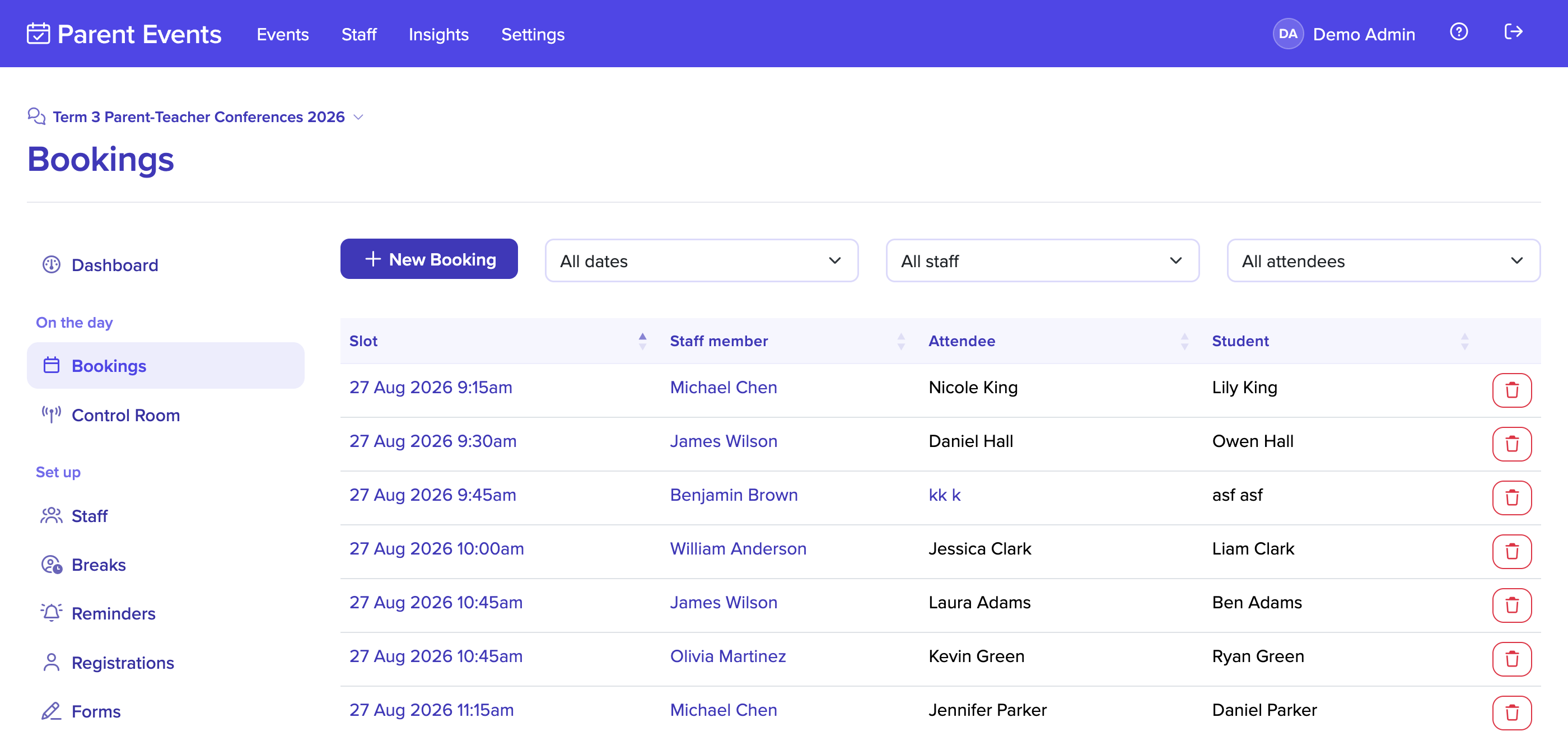
Scheduled appointments, not walk-in queues
Families book specific appointment times that suit their day, and your team gets a steady flow instead of an overwhelming rush. Set the appointment length to whatever your process actually takes, whether that is fifteen minutes for a straightforward registration or an hour for a full interview.
In-zone and out-of-zone intakes can run as separate events in the same account, each with their own eligibility questions, staffing, and slots. Reporting still rolls up so you can see the full picture across everyone who enrolled.
Documents arrive before the family does
Your booking form decides what the family needs to submit. Attach file upload questions for proof of address, immunisation records, prior school reports, and custody paperwork, and mark which are required before the appointment can be confirmed.
Uploads are scanned for viruses automatically and stored securely, and your team can review everything ahead of time so the appointment itself is about the family, not the paperwork.


A professional first impression
Enrollment is often a family's first real interaction with your school, and the experience they have sets the tone for everything that follows. Clear confirmations, automatic reminders, and a smooth arrival all say that your school is a place that has its act together.
If you only need expressions of interest at this stage, run the event in registration-only mode to collect family details without booking an appointment, then reach out when enrollment dates are confirmed.
Built to support your school
Replace the walk-in queue with appointment slots of a length you choose, and decide how many families the office can see at once. Slots close automatically as they fill.
Ask for proof of address, immunisation records, and prior reports on the form, marking each as required or optional. The paperwork arrives before the family does.
Collect expressions of interest without booking anything. Families submit their details, and your team reaches out once enrollment dates are confirmed for their intake.
Capture the details you need for each student with custom fields set up once for enrollment events. Every family answers the same questions in the same order.
Run in-zone and out-of-zone intakes as separate events with their own questions, slots, and staffing. Reporting still rolls up across the whole account.
Confirmation and reminder emails go out when a family books, the day before, and on the morning of their appointment. Families arrive with the documents they were asked for.
Export every registration and its answers as a spreadsheet or PDF, choosing exactly which columns to include. Hand the office a list that is ready to work from.
Keep an intake private behind an event code, or issue single-use invite codes so only families you have offered a place can register. Nobody else gets in.
Personal details and uploaded documents are removed automatically ninety days after the event ends. Aggregate reporting stays, and privacy obligations look after themselves.