Parent-teacher conferencing without the back-and-forth
Parents book their own appointments online, staff see a clean timetable for the night, and everyone arrives on time and prepared. Parent Events has handled over 3 million bookings for hundreds of schools since 2013.
Set up the event
Choose your dates, set how long each slot runs, and add the teachers involved. Your booking rules, how many slots a family can take, which days staff are working, and how long breaks run, are all configurable in the same setup.
Share a code with parents
Parents visit your event portal and enter a short event code. They see the available times, choose what suits them, optionally add notes for the teacher, and receive an instant confirmation.
Run the event
Teachers see their timetable on their phone, in print, or synced to their calendar. Automatic reminders reach parents before the day, and the bookings flow cleanly from your first session to your last.

Parents book their own times
Give parents a short event code and they can book appointments in a few clicks. They see the available times, pick what works for their family, and receive an instant confirmation without needing to call the office or email the homeroom teacher.
Parents can add notes about what they would like to discuss, so teachers know what is coming before the conversation begins. If plans change, parents reschedule or cancel themselves up to a cut-off time you set, and you do not have to lift a finger.
Everyone organised and on time
Your staff see every booking in a timetable that is ready to print, sync to their calendar, or pull up on their phone. Nobody wonders who they are meeting next, and specialist teachers can share booking slots through staff groups so a family meets the right team together rather than one person at a time.
Automatic email reminders reach parents before the event, and broadcast messages let you share last-minute changes with every attending family in seconds.

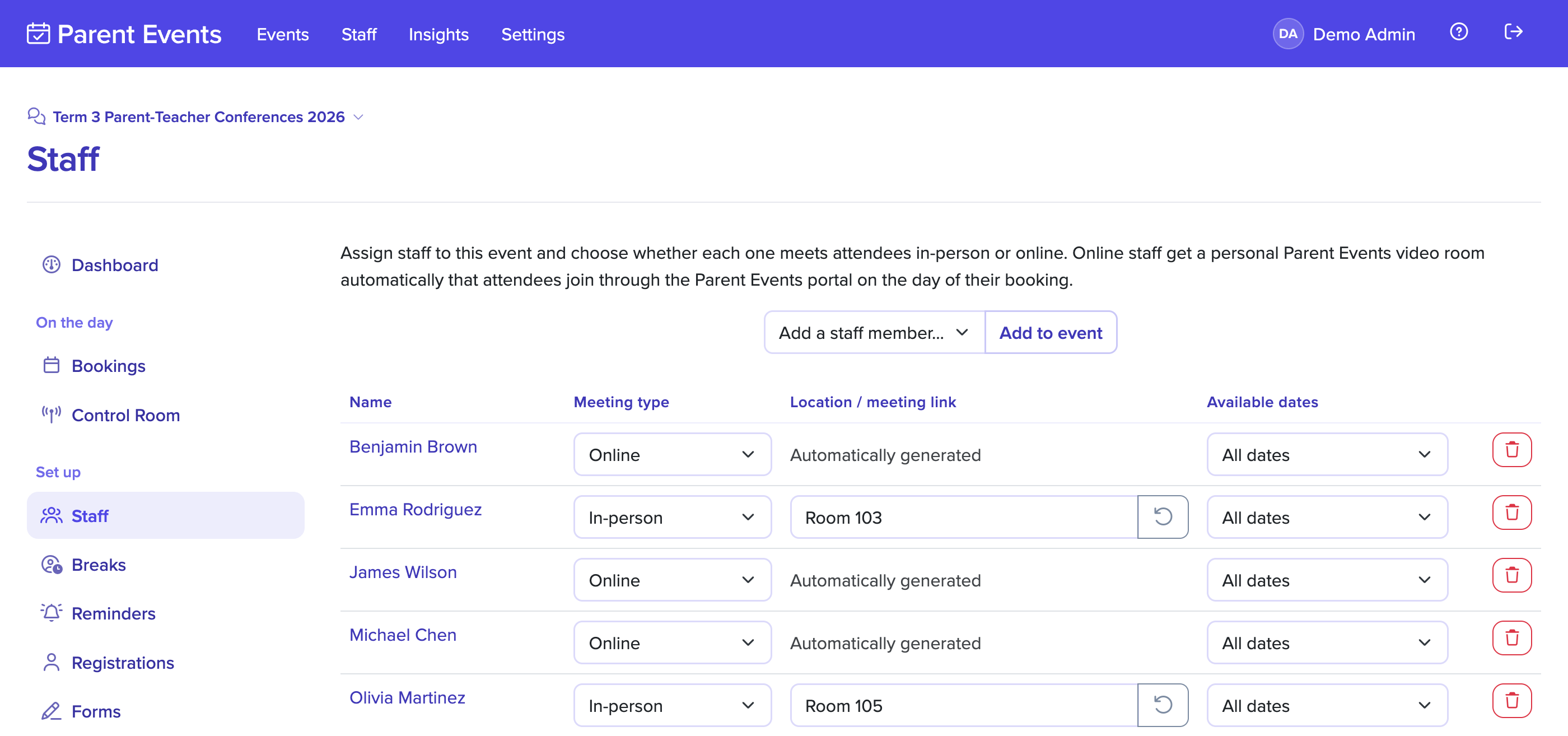
In-person, online, or both
Every event and every booking can be marked in-person or online, so one night can comfortably mix a physical hall booking with a remote appointment for the family who could not make it in. Online bookings meet inside Parent Events with no third-party meeting links for families to track down.
Staff and families join straight from the booking confirmation, the timetable, or the reminder email. Video and audio are handled by Parent Events, so your team does not have to set up accounts anywhere else and your families have one place to go at the right time.
Built to support your school
Every teacher sees their own timetable to print, sync to their calendar, or open on their phone. Parent names, students, comments, and meeting links sit together on one screen.
Confirmation and reminder emails reach parents when they book, the day before, and on the morning of conferences. Teachers get their own reminder and a summary the morning after.
Set the slot length, add buffers between meetings, and cap bookings per family or per student. Slots close automatically as they fill, so no teacher is ever double booked.
Specialist teams such as learning support can share one set of slots. A family books once and meets the whole team together instead of juggling several separate appointments.
Online conferences run inside your event portal, so parents join from their booking link with nothing to download. Teachers run the call beside the same timetable they use in person.
Parents can leave a note when they book, such as the topic they want to cover. It appears on the teacher's timetable, so the conversation starts prepared rather than cold.
Teachers block out breaks on a simple grid before bookings open, with a limit you set on how many they can take. Parents only ever see times that are genuinely available.
On the night, each teacher runs their meetings from a live My Day screen with countdowns and notes. Organisers watch every room from a control room and message staff directly.
Print staff timetables, room signs, name tags, and attendance lists in one click. The evening's paperwork is ready to hand out before the first family walks through the door.